Up to three people, one celebration

Make a birthday video from photos of the people you love

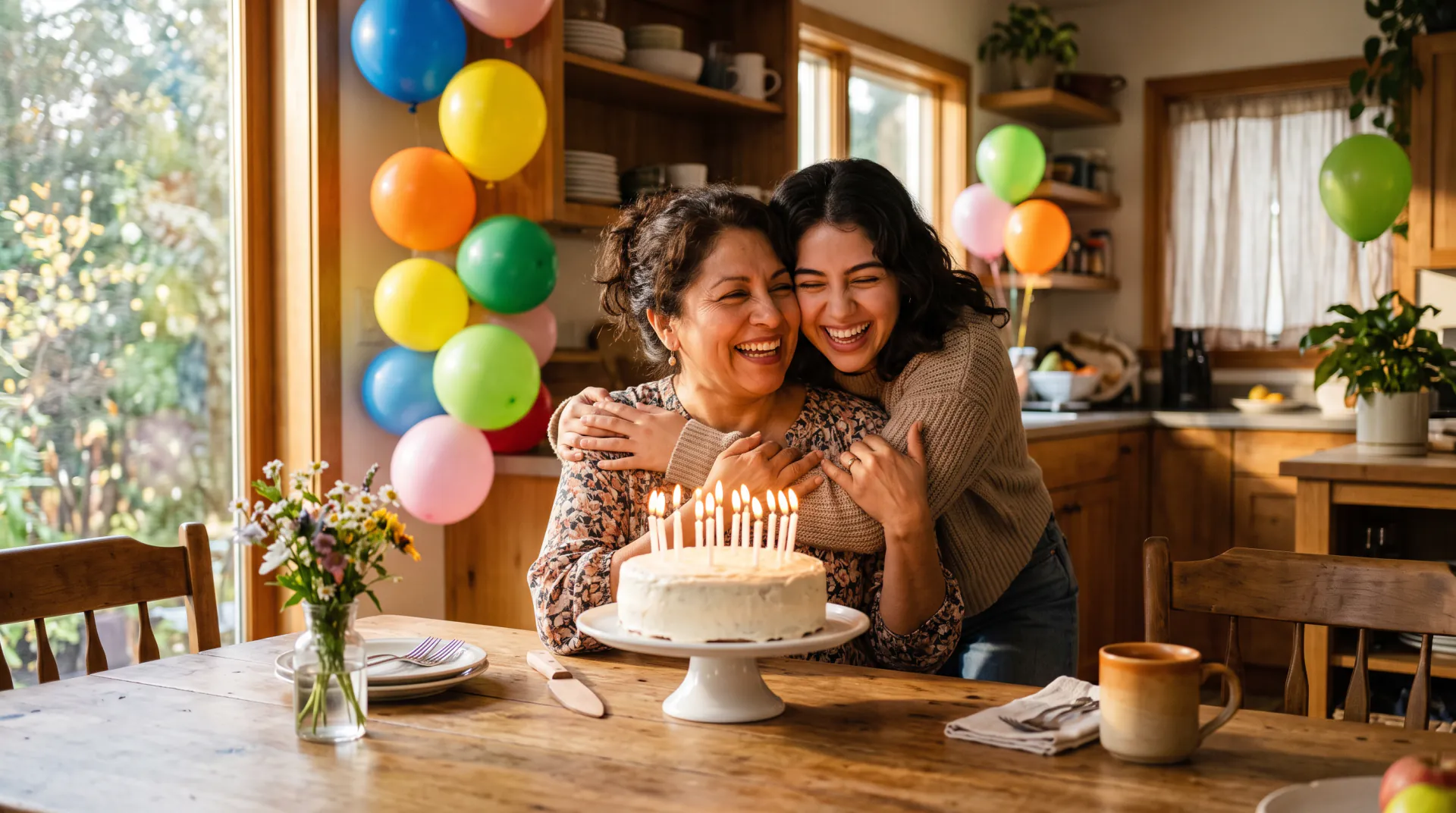
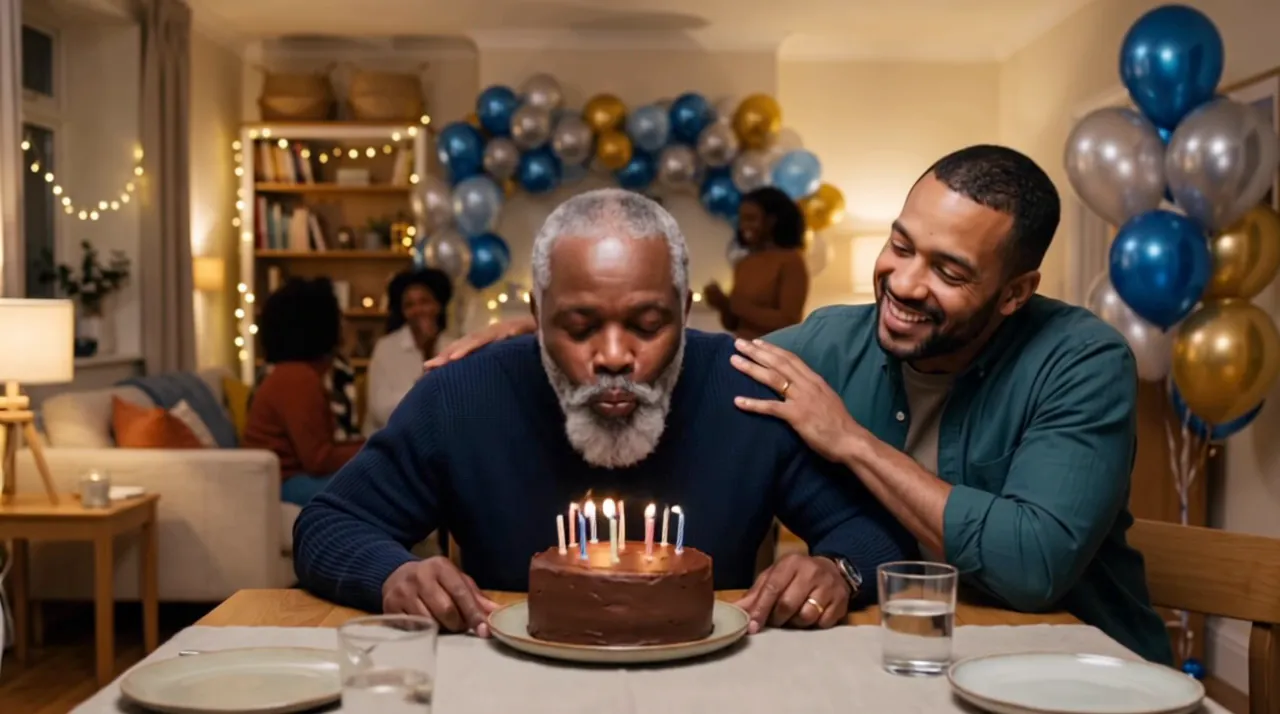
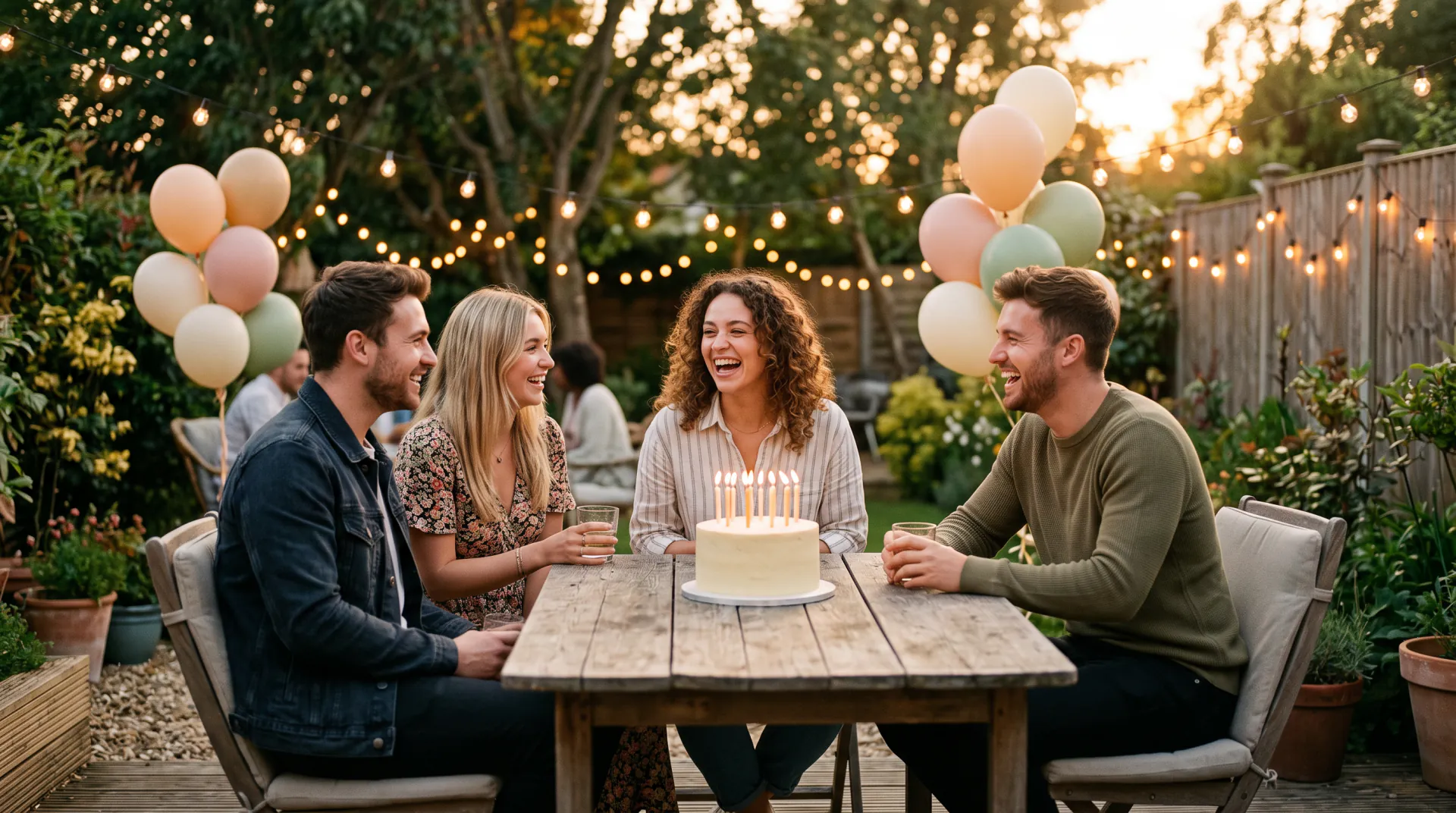
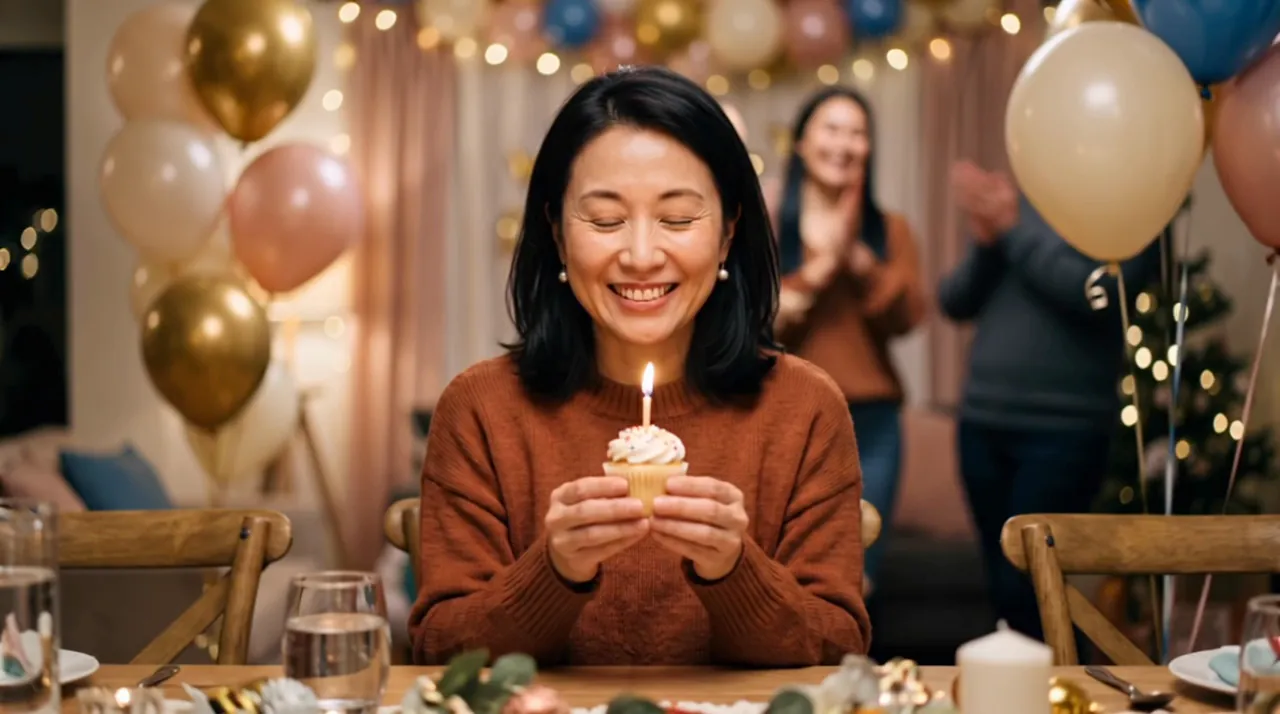
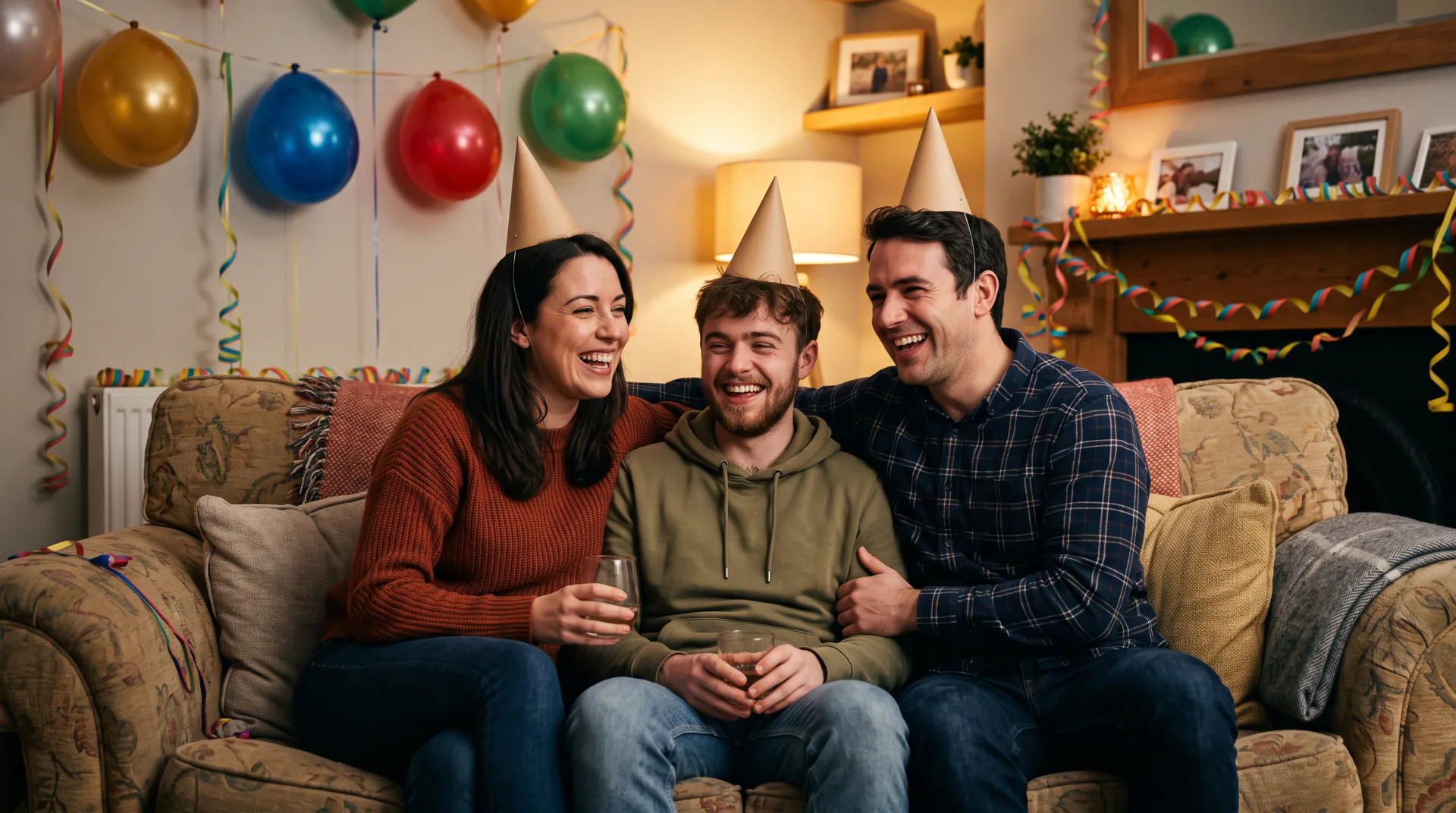
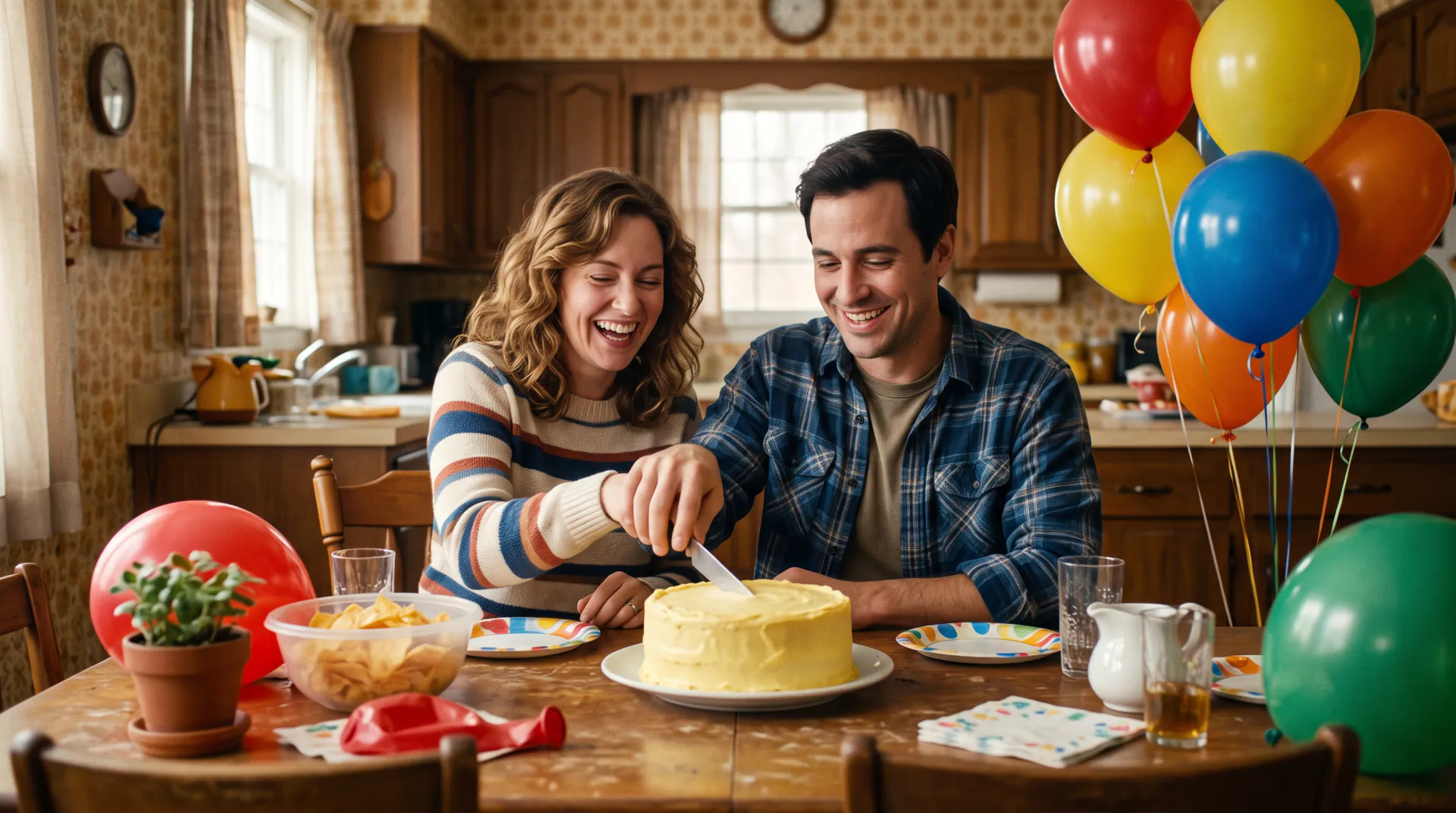
Upload one photo per person, up to three, and they appear together in a new birthday scene: a cake with lit candles, balloons and confetti, everyone smiling and clapping.

  • One photo or up to three
  • 5, 8 or 10 seconds
  • Vertical for phones
One photo to bring to life, or 1 to 3 photos (one per person) for a birthday scene. PNG, JPEG or WebP, up to 10 MB each. Photos of children only with a parent's or guardian's consent.
Try
Video type
Shape
Quality
Length

150 credits

Buy credits

Add a photo to make the birthday video

At a glance

To make a birthday video from photos, upload 1 to 3 photos, one per person, choose vertical, square or widescreen, and write a few words such as "Grandma's 80th with her two daughters". The people celebrate together around a cake with lit candles; download the 5, 8 or 10 second MP4. Or bring a single photo to life instead.

Photos
One photo to bring to life, or 1 to 3 photos (one per person) for a birthday scene
Scene
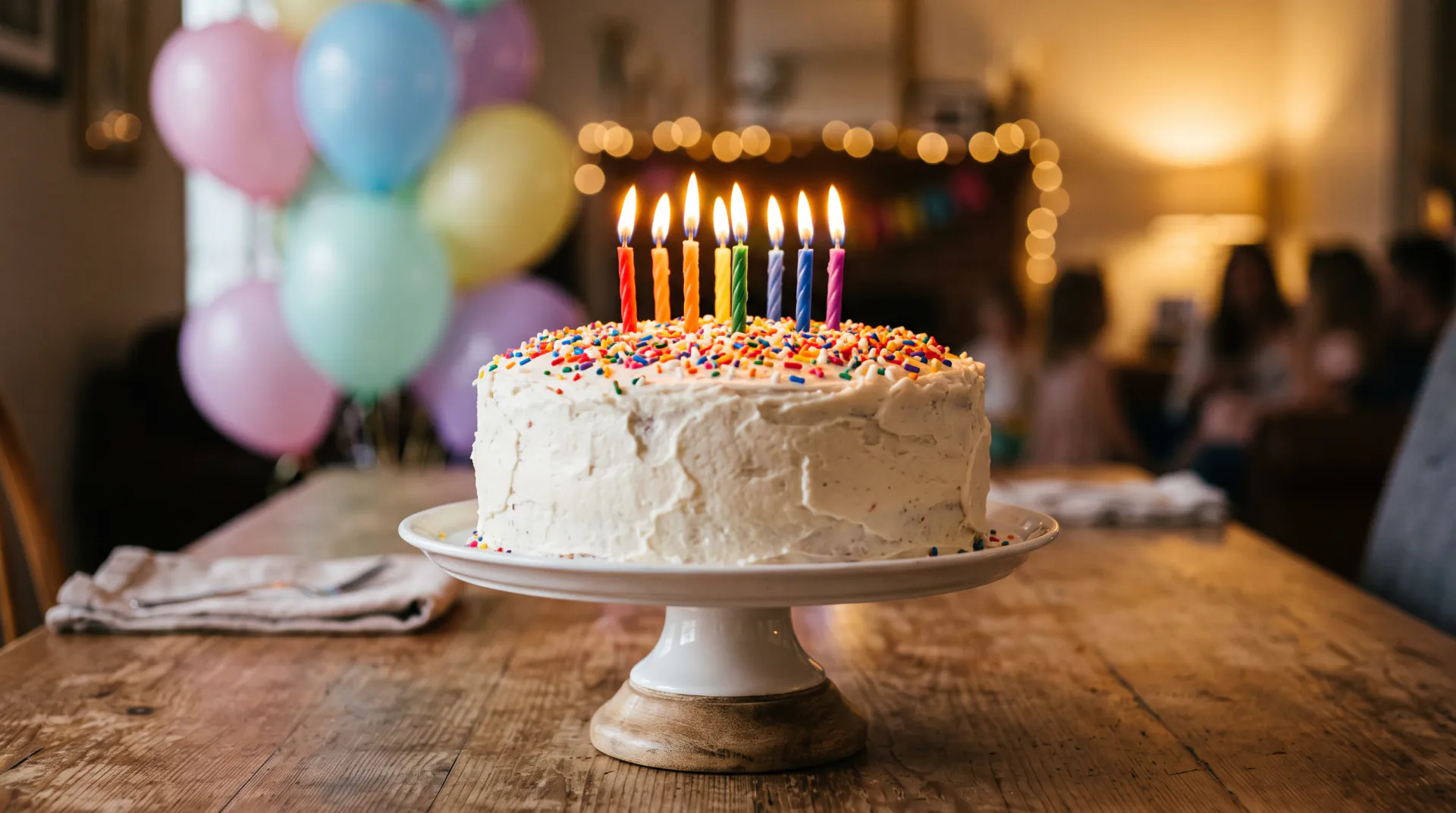
A cake with lit candles, balloons and confetti, smiling and clapping
Shape
Vertical 9:16, square 1:1 or widescreen 16:9
Price
30 credits per second; a 5-second video is 150 credits ($1.36 to $1.50)
Free first video
One 5-second video for a new account, once per network (one IPv4 address or IPv6 /64) every 30 days

Separate photos, one birthday

  • 01

    One photo per person

    Upload 1 to 3 photos. Each face stays recognizable, and everyone appears in the same scene even if they were never photographed together.

  • 02

    The party comes with it

    A cake with lit candles, balloons, confetti and warm light are part of every scene, so a short prompt is enough.

  • 03

    Pick the shape

    Vertical 9:16 for phones and stories, square for a feed, or widescreen to play on the TV at the party.

  • 04

    Or start from one photo

    Switch to "Bring one photo to life" when you have one good picture of everyone together: it becomes the first frame.

How to make a birthday video from photos

  1. 01

    Upload the photos

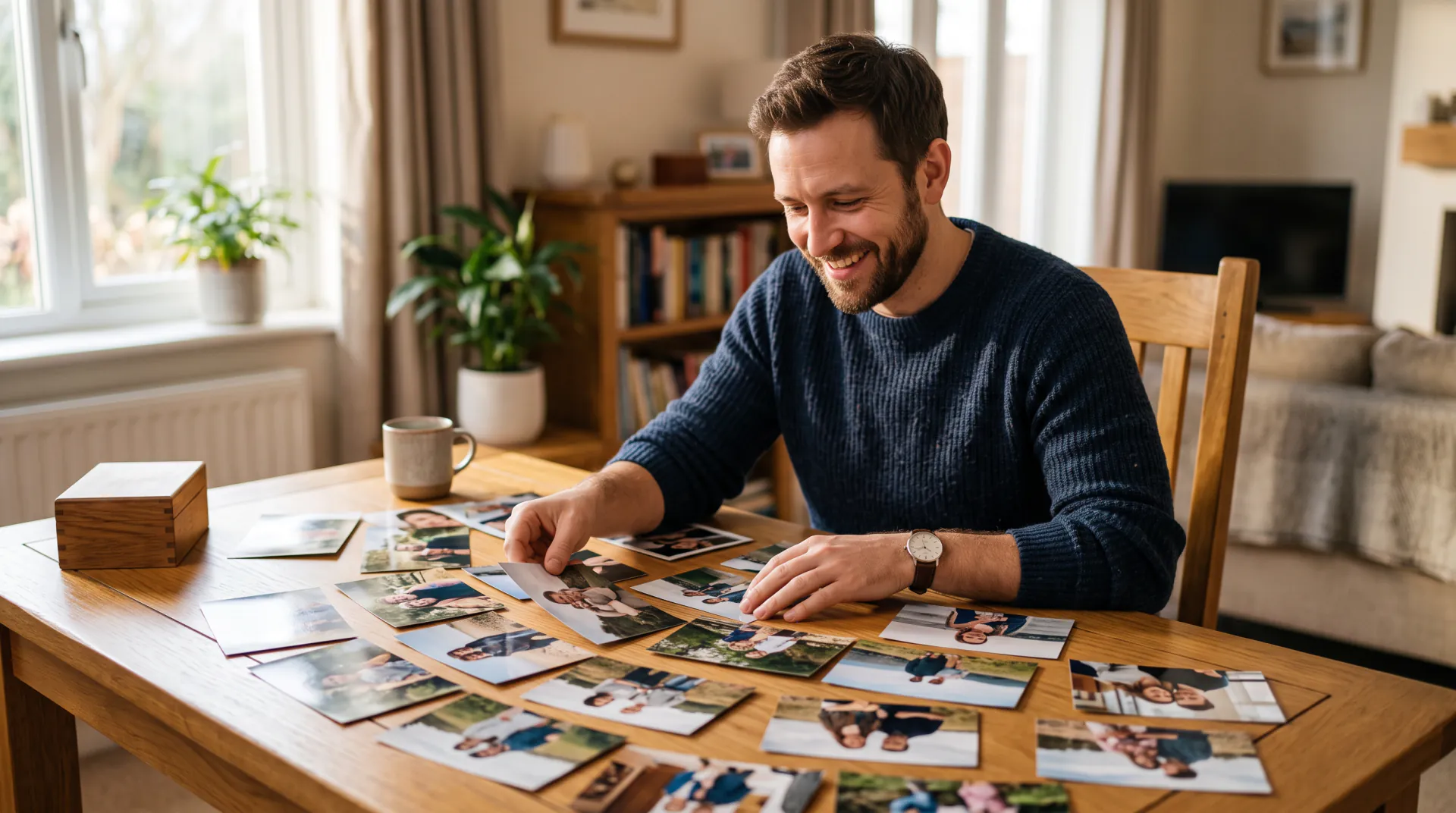
    Add 1 to 3 clear photos, one per person, faces visible and looking toward the camera.

  2. 02

    Say who and what

    Write a few words: whose birthday it is and one moment, such as "she blows out the candles".

  3. 03

    Download the MP4

    Choose the shape and length, generate, and download the video in a few minutes.

A birthday video, not a slideshow

Most birthday video makers put many photos one after another with music. This tool works differently: it makes one short moving scene from your photos, in which the people smile, clap and celebrate together.

For a longer tribute, make several short videos from different photos and join them in any video editing app, with your music and titles on top.
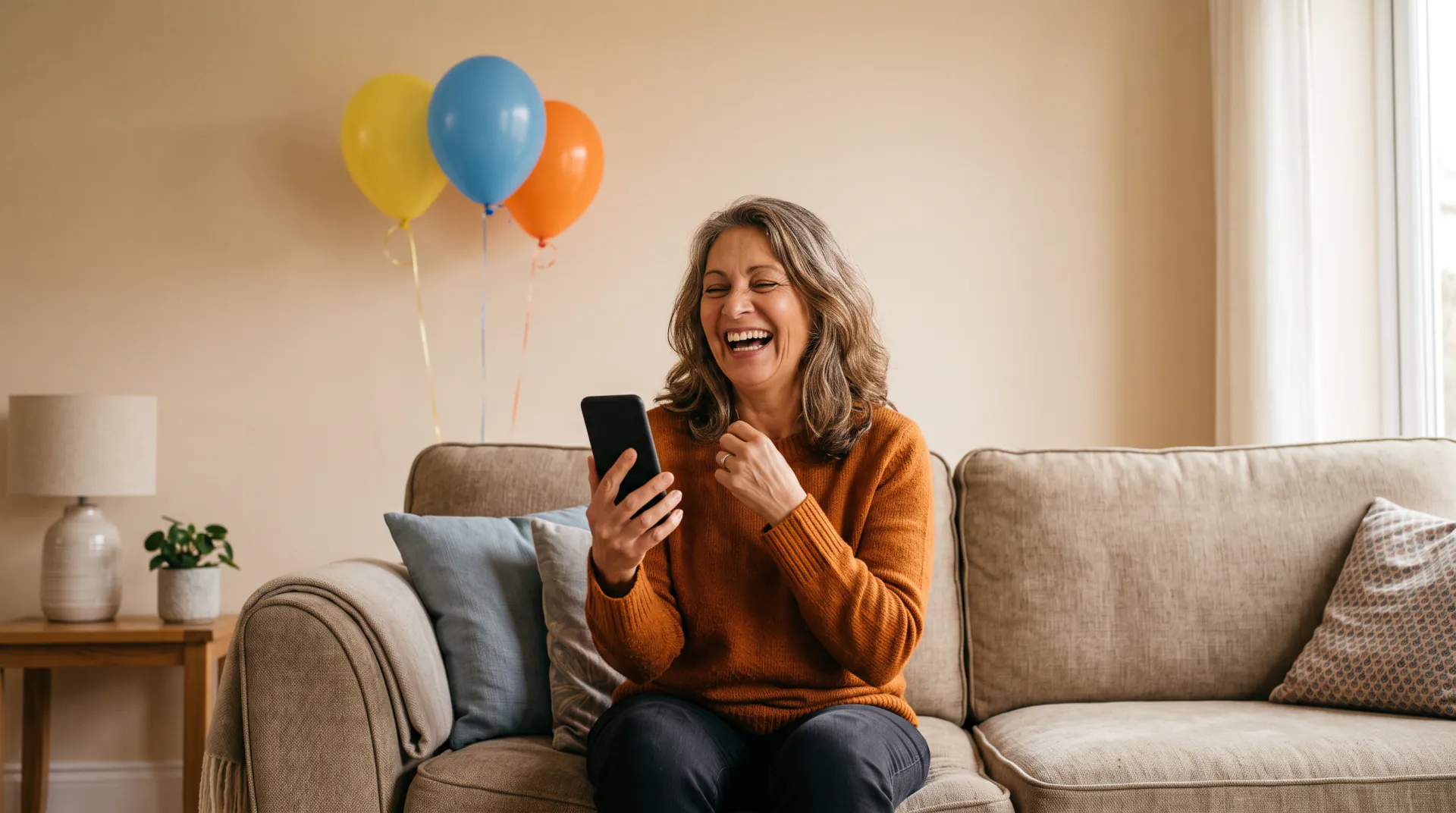
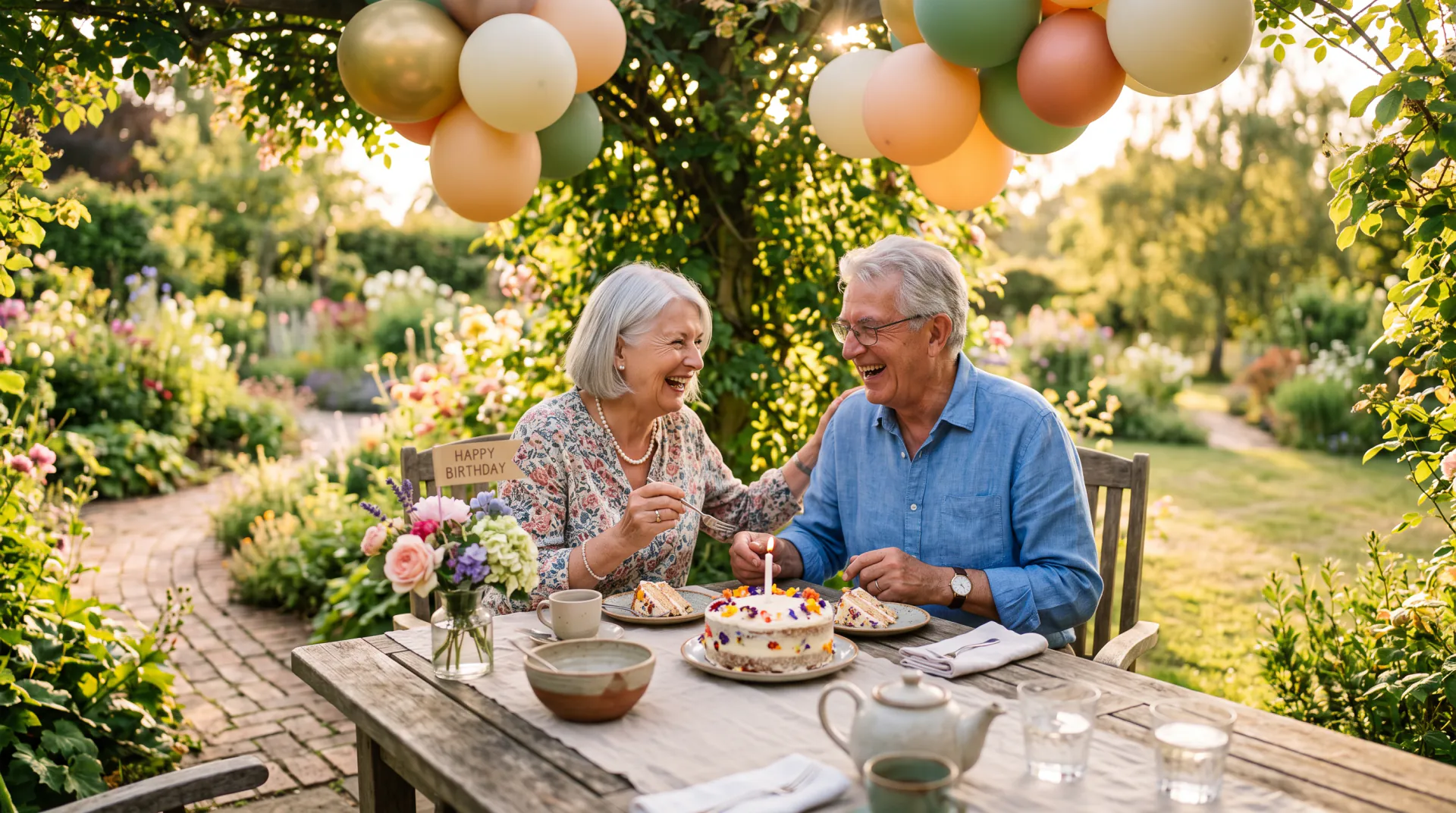
One photo or several: which to choose

AI Birthday Video offers two ways to make the video. "Bring one photo to life" uses your photo as the first frame: everyone in it stays where they are, then smiles and celebrates while balloons, confetti and warm light appear. The video keeps the photo's shape.

"Put up to 3 people in a birthday scene" takes 1 to 3 photos, one per person, and places them together around a cake with lit candles. Choose vertical 9:16, square or widescreen. It suits people who were never photographed together, or family who live far apart.

Photo tips for a better birthday video

The model can only keep what it can see, so the photo matters more than the words. These habits give the clearest faces and the most natural movement:

  • Use a sharp, well-lit photo where every face is visible and not tiny in the frame.
  • Pick a photo where people look toward the camera, without sunglasses, hands or a cake hiding their faces.
  • For a birthday scene, use one photo per person, ideally head and shoulders, each person alone in the picture.
  • Scanned prints work well: crop away the album border and any glare before you upload.
  • Leave some room around the people, so balloons and confetti have space to appear.
  • Use PNG, JPEG or WebP files up to 10 MB each.

Why the video has no written message

Video models still draw letters unreliably: a banner can come out with missing or swapped letters, and names are often misspelled. So the video shows the celebration, not words, and it is never asked to write a name or a greeting.

Add your message when you share it: in the text of your chat, as a caption on your post, or as a title in any video editing app. That way the spelling is always right.

Questions about birthday videos from photos

How many photos can I use?

Up to 3 in a birthday scene, one per person. With "Bring one photo to life" you use a single photo, and everyone in it comes to life.

Do the people need to be in the same photo?

No. That is what the birthday scene is for: each person comes from their own photo, and the video puts them together around one cake.

Why does someone look slightly different?

The scene is generated, so small details can change. Use sharp, front-facing photos with one person each, and try again with the same photos if a face drifts.

Can I use more than three photos?

Not in one video. Make several videos with different people and join them in a video editing app for a longer birthday montage.

Bring everyone to the party

Upload 1 to 3 photos and make one birthday scene. A new account's first 5-second video is free, once per network (one IPv4 address or IPv6 /64) every 30 days.

Last updated November 9, 2026

Create your account